Escape Terminal
A secure SSH and serial terminal for phones and tablets, with the keys a terminal actually needs.
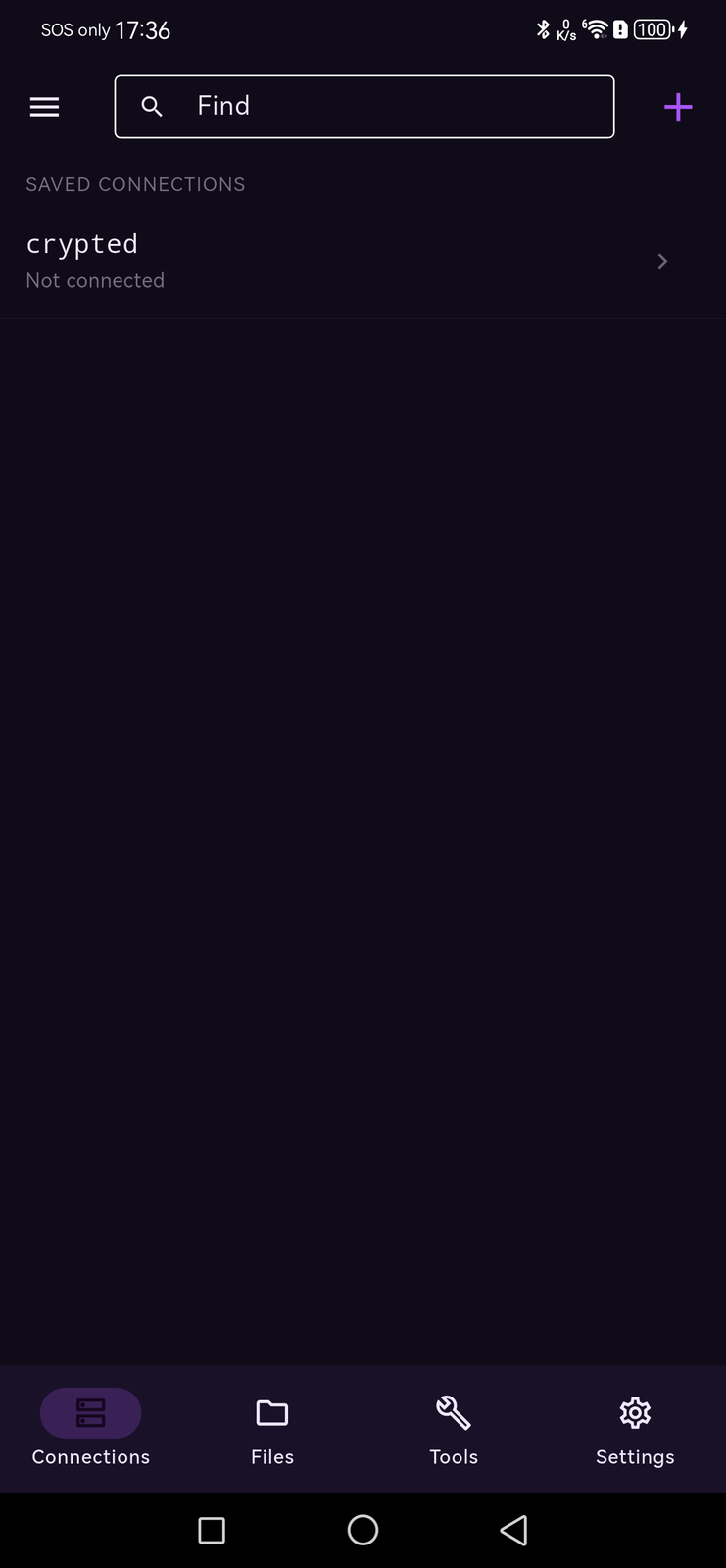


Overview
Escape Terminal is a cross-platform SSH and serial administration client for phones and tablets.
The security is structural rather than promised. The connection state machine has no legal path from algorithm negotiation to authentication that skips host-key verification — a test asserts the jump is rejected, and a live test against a real OpenSSH server asserts the event history shows verification strictly before auth. An unknown host key is a decision you make once, on a fingerprint you can read. A key that has changed blocks the session.
Saved connections live in a SQLCipher-encrypted store: opening it with the wrong key fails, and the file on disk verifiably contains no plaintext. Secrets are held as references and redacted at construction time, so a password cannot reach a log by accident.
The terminal is a real terminal. Full VT parsing with colour and attributes, scroll regions, alternate screen for full-screen applications, selection and search. The accessory keyboard row puts Esc, Tab, Ctrl, Alt, arrows and function keys where you can reach them, instead of behind a symbol page.
Everything an administrator reaches for is here. Port forwarding in all three directions — local, reverse, and a dynamic SOCKS proxy — with jump hosts for machines that only answer from inside another network. Port knocking sends the secret sequence that opens a firewalled port and then connects, in one tap. X11 forwarding puts remote windows on a display attached to the device. Split view and broadcast typing run several machines at once on a tablet, output triggers watch a long job for you, and session transcripts leave a readable record of what the screen showed.
It also speaks serial over USB on Android, with chipset support for FTDI, CP210x, CH34x and PL2303, and moves files over SFTP or straight between a server and a Nextcloud or WebDAV account.
Features
Host verification cannot be skipped
The state machine has no path from negotiation to auth that bypasses it, and a test proves the jump is refused.
Port knocking
Sends the secret sequence that opens a firewalled port, then connects, in one tap. TCP or UDP per knock, with a gap you set.
Reverse forwarding
A port on the server carried back to this device — the -R forward — alongside local forwards and a dynamic SOCKS proxy.
Jump hosts
Reach a machine that only answers from inside another network, each hop with its own authentication.
The keys a terminal needs
Esc, Tab, Ctrl, Alt, arrows and function keys in an accessory row you can choose the contents of.
A real VT terminal
Colour and attributes, scroll regions, alternate screen, selection and search.
Split view
Two live sessions side by side on a tablet or desktop, with everything following the focused pane.
Broadcast typing
The same command across a row of identical machines. Only running sessions receive it.
Output triggers
Watches a session's output for text you name and acts when it appears — for the long job you cannot sit and watch.
Session transcripts
A readable text record of what the screen showed, written as it runs. A password typed at a prompt never echoes, so it is not in the file.
SFTP browsing
Browse and move files on the remote machine over the same session.
Cloud transfers
Nextcloud and WebDAV accounts, set up by QR code, and files moved directly between a server and the cloud.
X11 forwarding
Windows from remote programs on a display attached to this device. A display that cannot be read is refused rather than silently doing nothing.
Serial over USB
FTDI, CP210x, CH34x and PL2303, with line settings and BREAK, on Android.
Connections encrypted at rest
SQLCipher store: the wrong key fails to open it, and the file contains no plaintext.
Biometrics, per connection
Face ID, Touch ID or Android BiometricPrompt in front of your secrets, and optionally in front of a particular connection.
Imports your SSH config
Typed directives read in; anything unsupported is preserved as a note rather than dropped.
Snippets with variables
${HOST}, ${USER}, ${PORT}, ${DATE} and prompted secrets, handled so they stay out of logs.
An audit trail
Sessions opened and closed, host-key decisions and transfers, copyable as text for a ticket. Key-shaped values are removed as each line is written, not on the way out.
Themes and per-connection palettes
A palette per connection, so production does not look like staging, with font size set per orientation.
Reconnects sensibly
Exponential backoff with bounded jitter and a cap, rather than hammering a host that is down.
Screenshots
Video demo
Escape Terminal — every menu, on a real phone
What's included
- Android build (arm64, armv7 and x86_64)
- Lifetime licence for three devices
- Every future 0.x and 1.x update
- SSH, SFTP and USB serial in one application
- Port forwarding, jump hosts, port knocking and X11 forwarding
- Email support
System requirements
Android
- Operating system
- Android 9.0 (API 28) or later
- Processor
- arm64-v8a, armeabi-v7a or x86_64
- Memory
- 2 GB
- Disk space
- 200 MB
USB serial needs a device with USB Host support.
iOS
- Operating system
- iOS 16.0 or later
- Processor
- Apple A-series or Apple Silicon
- Disk space
- 200 MB
USB serial is not available on iPhone; the app says so rather than letting you discover it.
Changelog
-
Version 0.1.0
New
- Hardware-backed secure storage with a biometric gate on Android and iOS
- USB serial: enumeration, permissions, CDC-ACM line settings and BREAK
- SFTP browsing alongside the shell session
- OpenSSH config import, preserving unsupported lines as notes
- Snippets with variable expansion and prompted secrets
Fixed
- Host trust prompt no longer appears before the fingerprint is available
Improved
- Reconnect backoff is now exponential with bounded jitter and a cap
- Terminal parser handles malformed escape sequences without leaking them to the screen
-
Version 0.0.2
New
- SSH transport with the full connect pipeline verified against a live OpenSSH 9.6 server
- Password, public-key and keyboard-interactive authentication
- PTY channel with mid-stream window resize
Reviews
No reviews yet. Yours would be the first.
Log in to write a review.
FAQ
What happens the first time I connect to a host?
You are shown the key fingerprint and asked to trust it. Nothing is trusted automatically, and if that key later changes the connection is blocked rather than quietly accepted.
Where are my keys and passwords stored?
In an encrypted store on the device — SQLCipher for the profiles, plus the platform keystore or Keychain for the secrets themselves, behind a biometric gate where the hardware supports one. Opening the store with the wrong key fails, and the file contains no plaintext.
Can I use it as a serial console?
On Android, yes — over USB, with FTDI, CP210x, CH34x and PL2303 chipsets and full line settings. On iPhone the hardware does not allow it, and the app tells you that rather than letting you find out.
Will my existing SSH config work?
It can be imported. Typed directives are read in; anything not supported is kept as a note against the connection rather than silently dropped.
Does it work on a tablet?
Yes. Font size can be set separately for landscape and portrait, and the accessory row and terminal reflow with the window.
Can it do reverse forwarding?
Yes. Forwards come in all three kinds: local (-L), reverse (-R, a port on the server carried back to your device) and dynamic (a SOCKS proxy routed through the server). They start with the session and stop when it ends. The server has to permit them — AllowTcpForwarding, and GatewayPorts for a reverse forward that should be reachable from elsewhere.
Does it support port knocking?
Yes. Put the sequence on the connection — 7000,8000,9000, or udp:7000, tcp:8000 to set a protocol per knock — and the app knocks and then connects in one tap. You can set the gap between knocks; too fast and they can arrive out of order, which a firewall treats as wrong. An unreadable sequence is refused before connecting rather than partly sent.
Can I reach a server that is only visible from another machine?
Yes, with jump hosts. Add each hop in the order it is used and the connection is made through them in turn, each hop with its own password, key or agent.
Can I export my snippets or my SSH config?
Not yet, and it is worth being exact about what that means. SSH config works one way today: you can import one, and unsupported directives are kept as notes rather than dropped, but the app does not write one back out. Snippets can be created, edited, reordered and deleted, but not exported. The audit trail is the one thing you can take out, as text. An encrypted backup format is implemented and tested in the core, so the hard part is done — what is missing is the binding and the button.